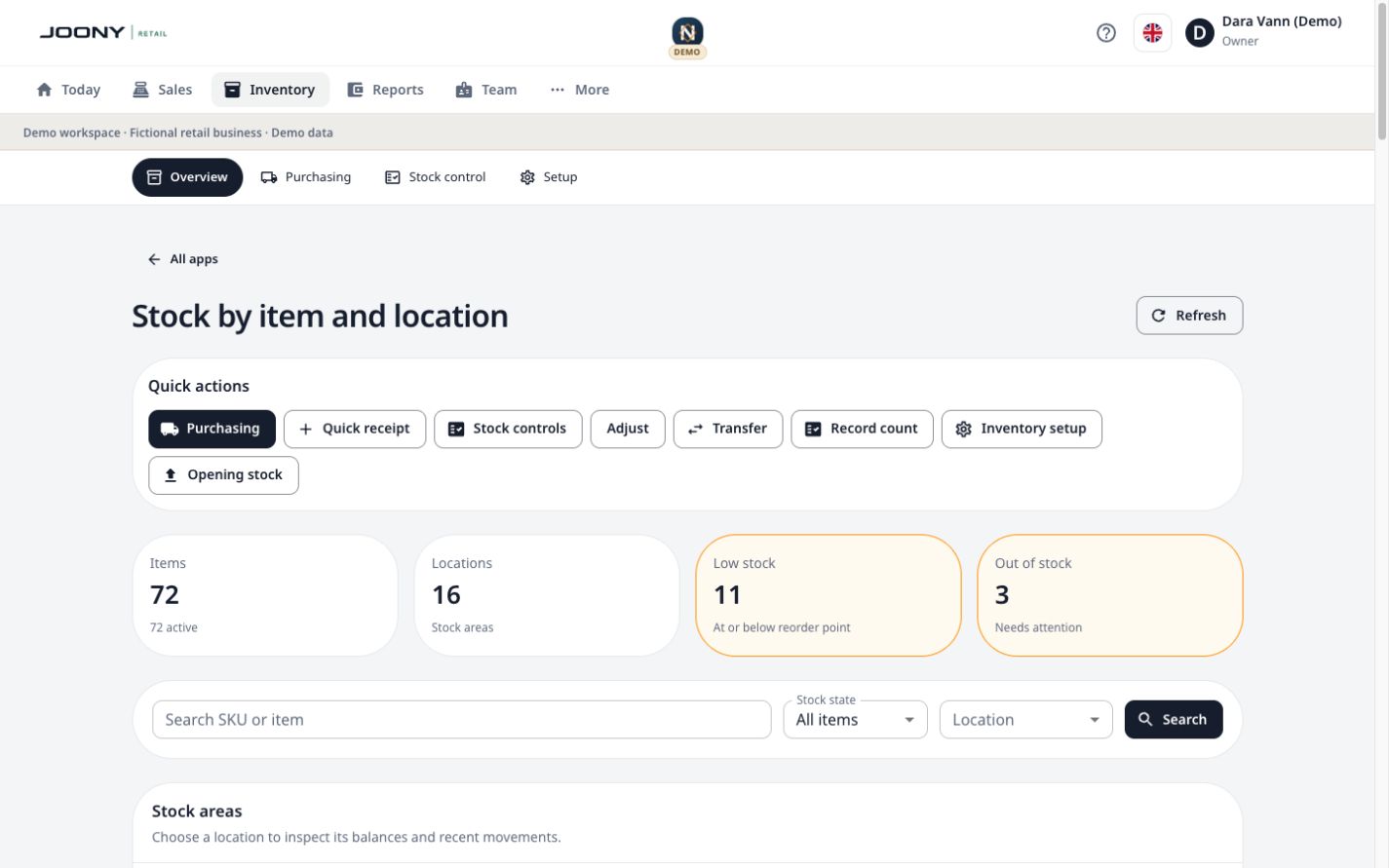
01Order and receive stock.
Keep suppliers, purchase orders and goods receiving connected to the location where stock arrives.
- Maintain supplier records
- Prepare purchase orders
- Record ordered and received quantities
Explore purchasing Joony Retail
Loading preview…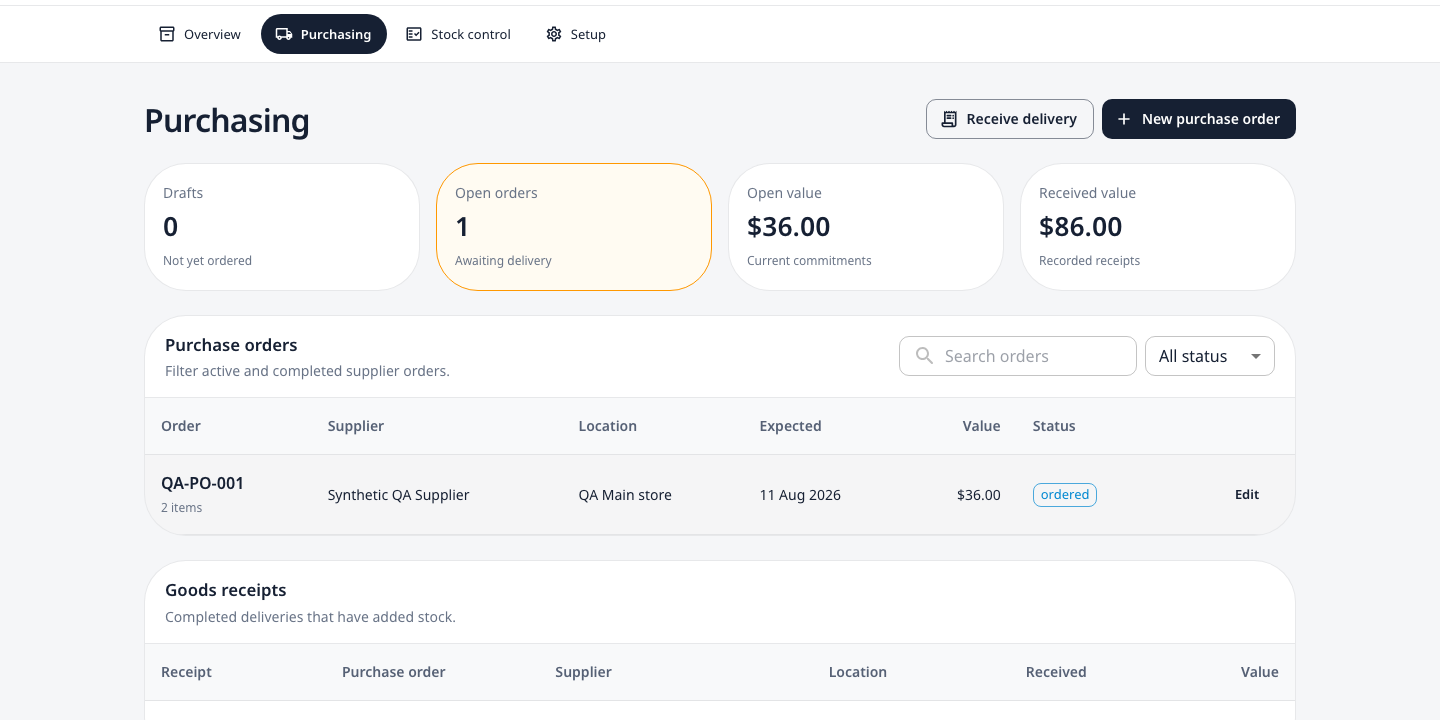
Demo data02Count, adjust and trace stock.
Record stocktakes, transfers, adjustments and wastage with the item and location context kept intact.
- Count one stock area at a time
- Review adjustments and wastage
- Trace recent stock movements
Explore the stocktake guide Joony Retail
Loading preview…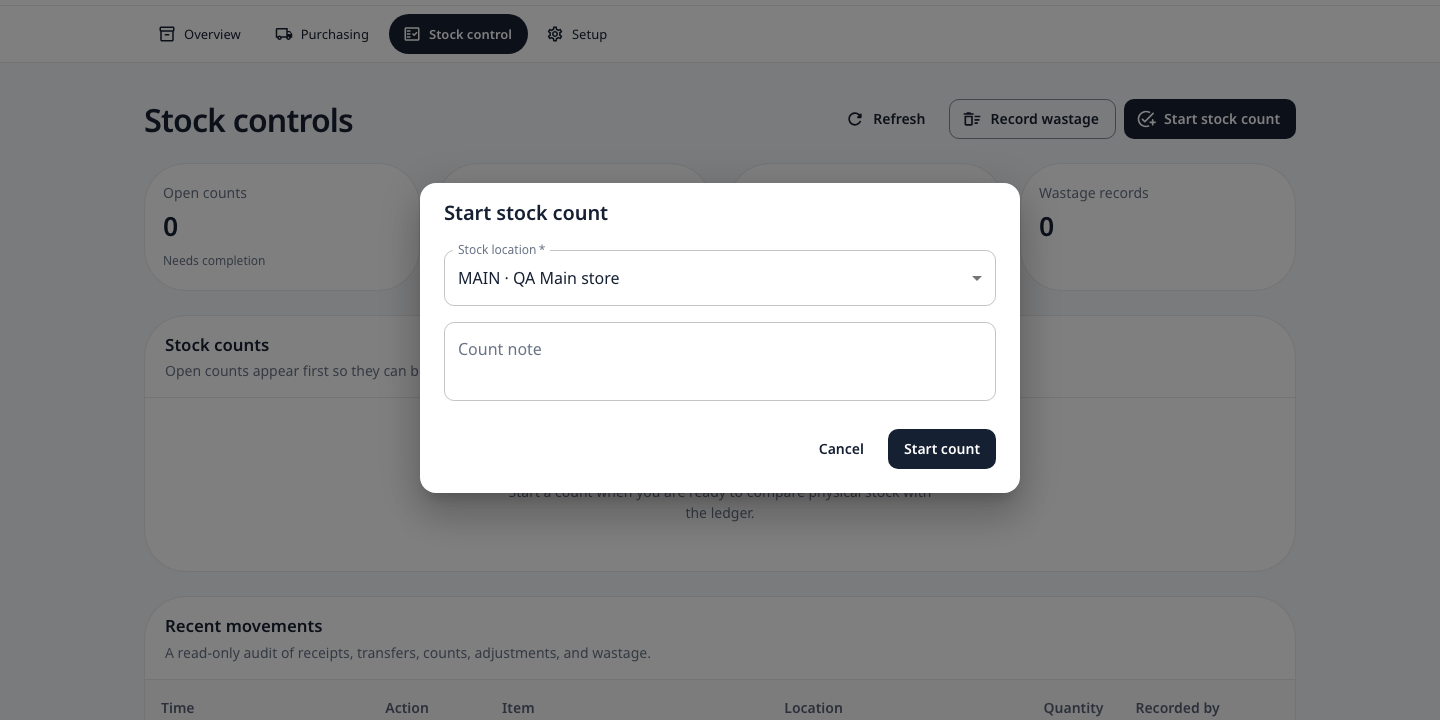
Demo data03Set up stock once, then keep it useful.
Maintain the items, units, stock areas, suppliers and reorder settings behind the operating day.
- Configure items and units
- Maintain stock areas and suppliers
- Set reorder and target levels
Discuss your inventory workflow Joony Retail
Loading preview…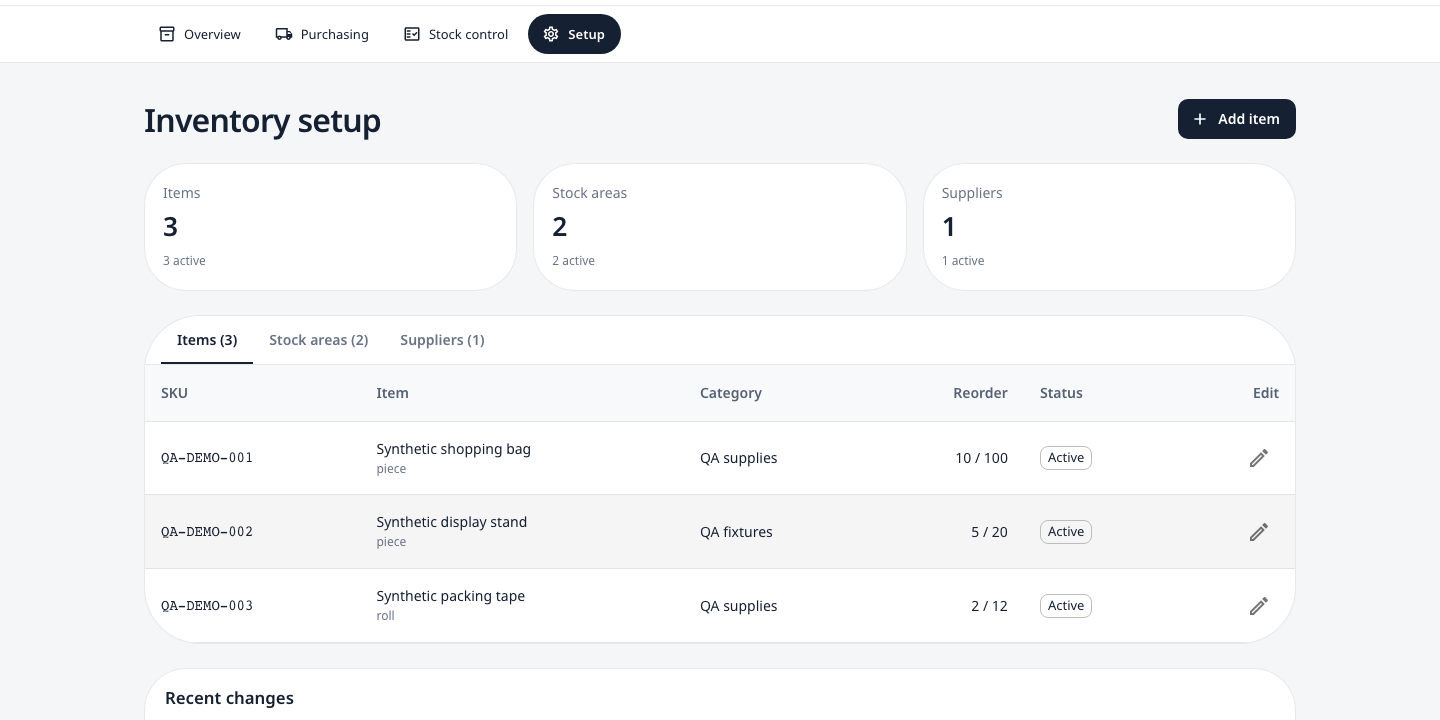
Demo data